Wednesday, May 30, 2012

Wednesday, May 9, 2012


Tuesday, May 8, 2012

QR Code V card project 33


Creating QR Code Project 31

QR Code Information project 30
1.QR codes are a quick response codes used for information and other uses with smartphones.
2.Denso Wave (Toyota) invented the QR Codes.
3.You can use Qr codes on online videos, websites, and books to give a faster view to websites and more


Monday, May 7, 2012
movie poster

Wednesday, April 25, 2012


Tuesday, April 24, 2012
project 27 logo

Monday, April 23, 2012
photoshop 1

Tuesday, April 17, 2012
Project 25
This project was good and I learned how to share and edit with a partner. Students can learn to use this for other subject classes when they are assigned with projects.
Project 24
It was good that I learned to had more items and I thought that Everything was great and in place where I wanted.
Project 23
b) To move use the mouse. To scale, double click on the item and see a circle and and have the option to make it large or small. To zoom, use the mouse to scroll closer. To create paths choose path on the options an click on the item.
c) To use the frames you click on the frame options click a location where you want it, drag and click where you want it to be. To send items you can get it from your files in the options on the side or get a URL of a image or video and paste it to appear on your presentation.
d) To invite people, click the meeting option on the top, get the URL, send it to whoever you want, send it and they can work with you. You could share it by making your prezi public or clicking the share button on the side where you can also see the edit button, which is at the bottom of your prezi presentation.
Tuesday, March 27, 2012

Sunday, March 25, 2012
Google sketch-up house

This was a fun project to make and that you can have the house you really want when your old enough and I think students may have learned more things throughout this google sketch-up.
Sunday, March 18, 2012
living room

I think that this project was good and perfect for my future career as an Interior Designer.
Thursday, March 8, 2012
Kitchen and Dining Google Sketchup
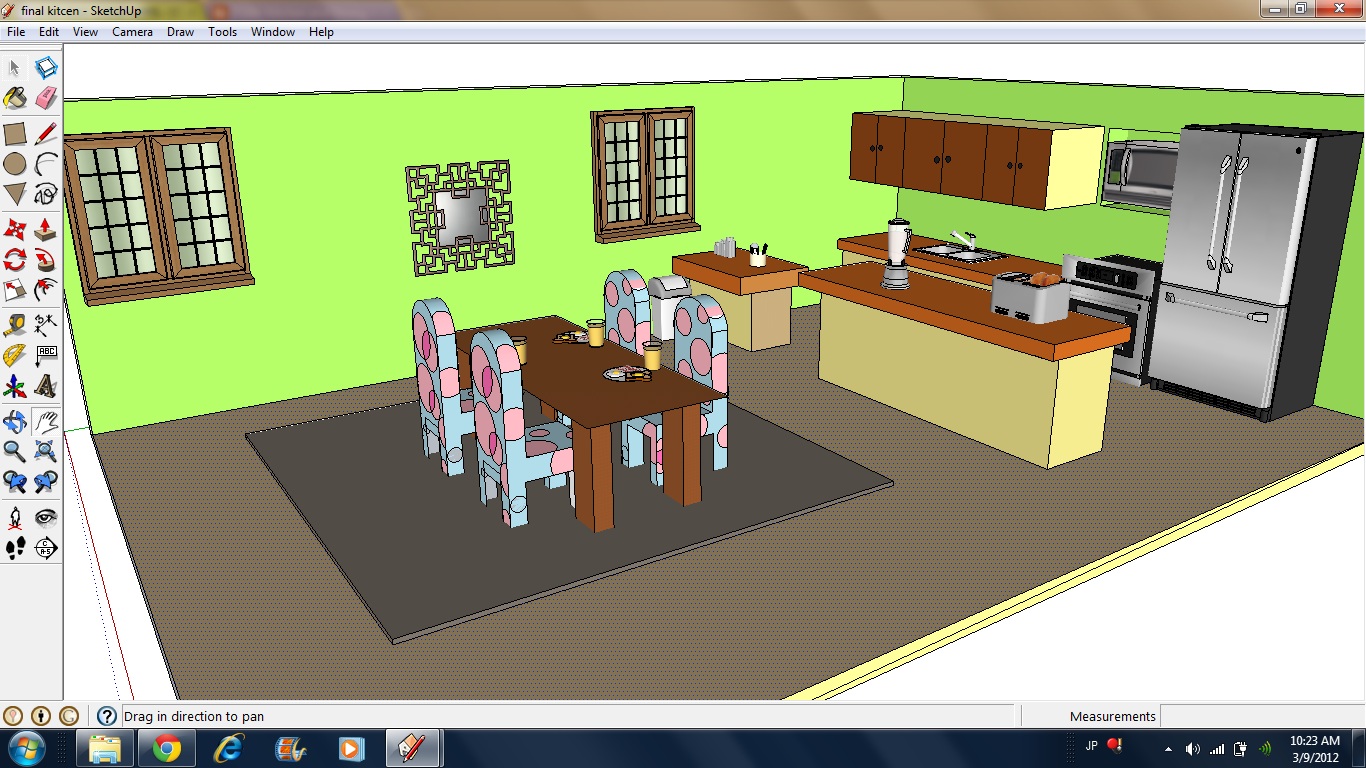
This project was easy and I found many ways to make cabinets and counters and learned how to make a table and download items!
Tuesday, March 6, 2012

Tuesday, February 28, 2012
Google Docs Drawing

This project was a little difficult because we didn't know what to draw at first and how. But when we used our imagination we decided to make something that you see most Saturdays at gas stations like car wash signs.
Overall it is good
Subscribe to:
Posts (Atom)